We are going over the Ryzen 5 2600X Overclock settings in 2023. Despite the release of the latest processors from AMD, I know a lot of folks are still using the older generations and would like to get the most out of them until an upgrade is within reach. Overclocking your Ryzen 5 2600X can be a great way to boost your computer's performance. However, traditional methods of increasing the core multiplier to boost the all-core frequency may only yield a 2-3% increase in single-core performance. To achieve better results, we recommend taking advantage of XFR (Extended Frequency Range) and PBO (Precision Boost Overdrive) settings.
BIOS Settings
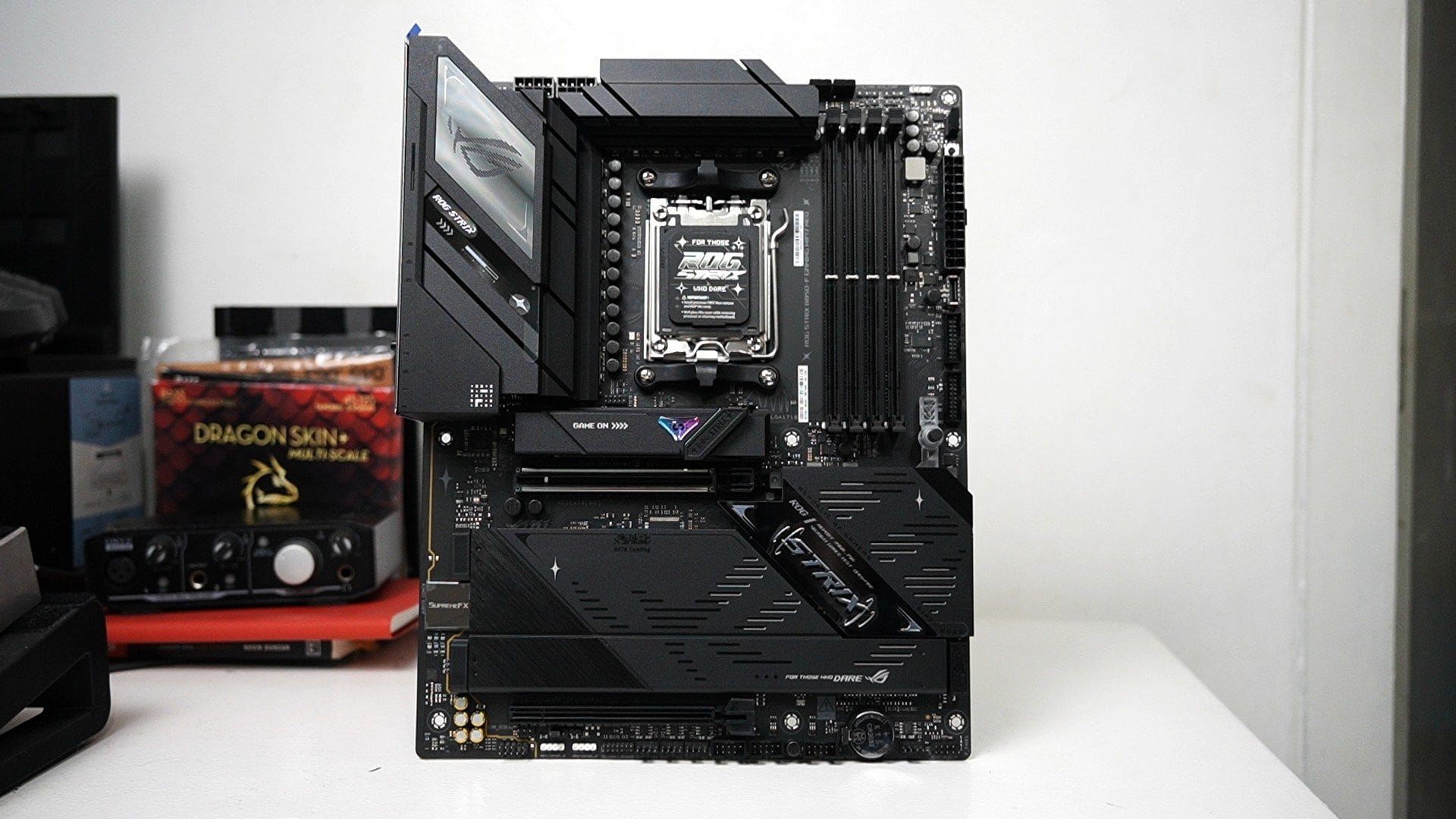
To begin, you will need to access your BIOS settings and visit the Extreme Tweaker tab. In this guide, we are using the ASUS ROG Crosshair VII Hero motherboard, so the settings may differ on different motherboards. Set the Performance Enhancer to Level 3 (OC). This is the optimal setting for overclocking, as Levels 1 and 2 will only operate within AMD's specifications, and Level 4 is mainly for extreme overclockers using liquid nitrogen cooling.

Next, make sure that the Core Performance Boost option is enabled. This will allow your CPU to take advantage of XFR and PBO.

Finally, make sure that the CPU Core Voltage option is set to Manual Mode. This will allow you to set your CPU Core Voltage Override. In our experience, we found that our Ryzen 5 2600X runs stable on 1.4v, and anything less may cause system freezes.
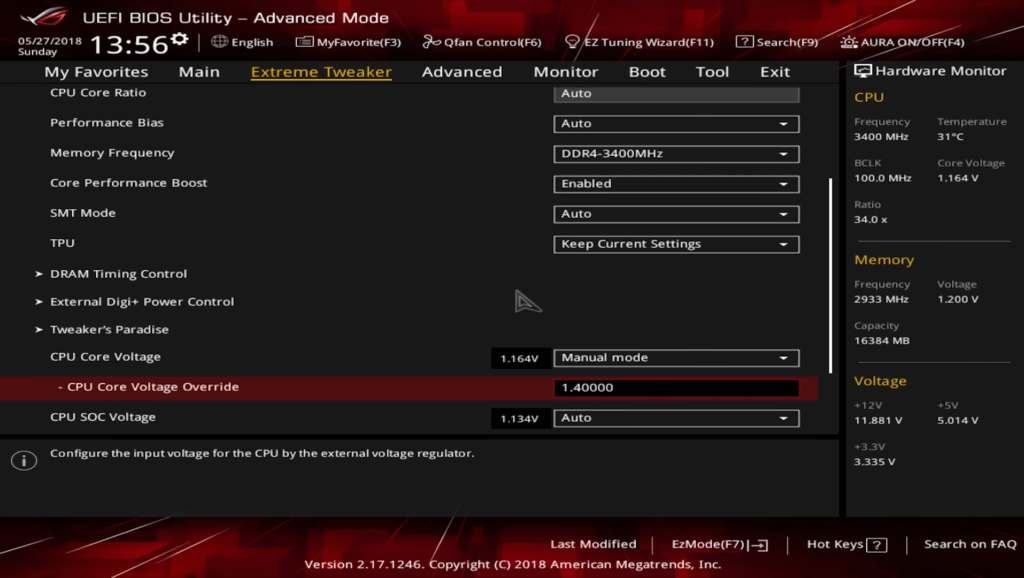
With these settings in place, you can leave the rest to AMD's algorithm, which will automatically adjust the XFR and PBO settings to achieve optimal performance. Additionally, make sure you are using memory that is running at the maximum supported frequency of 2933MHz.
It's important to note that the settings and performance results may vary depending on the specific motherboard and processor you are using. However, using the ASUS ROG Crosshair VII Hero motherboard, we were able to see a Cinebench score increase of 4% and at least 4-6% in game performance. As always, it's important to be careful when overclocking and keep an eye on your system's temperature and power draw. Hope this Ryzen 5 2600X Overclock Settings help out a lot of gamers out there.